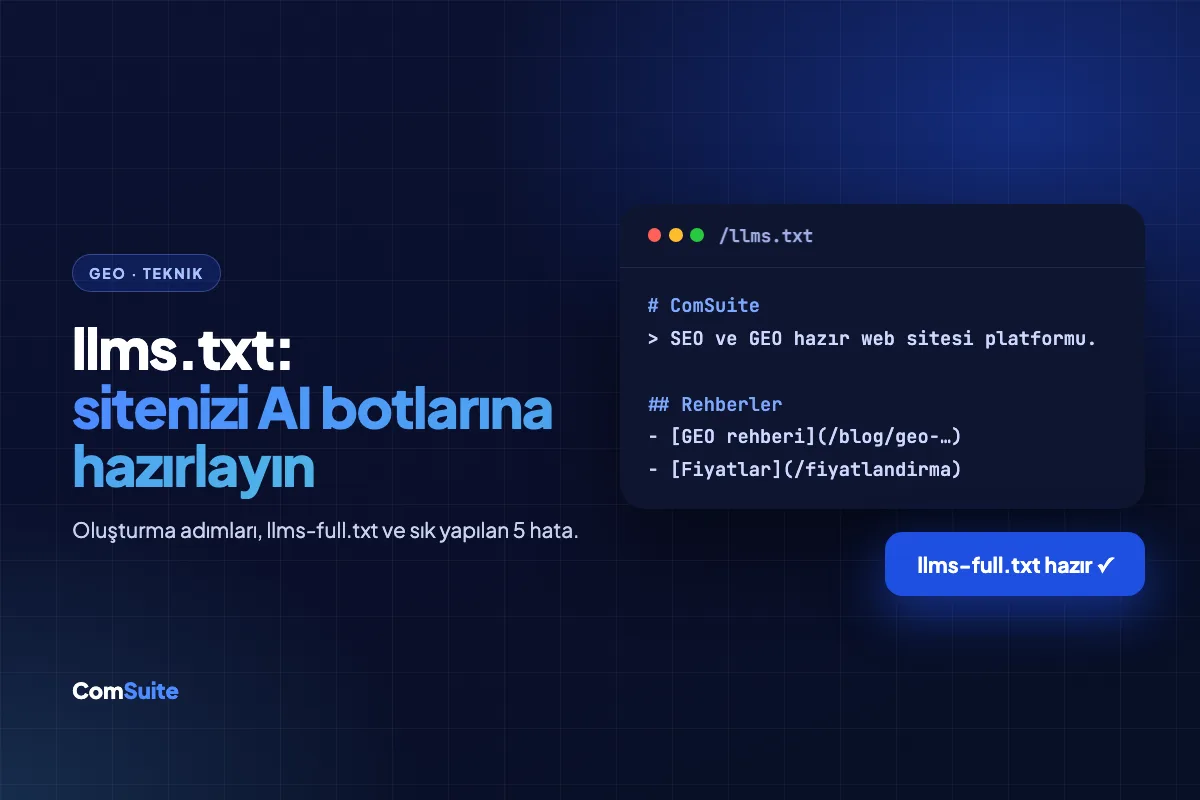
llms.txt is a text file you add to your website's root directory that tells AI models (ChatGPT, Gemini, Claude, Perplexity) what your site is about and which of your pages matter most, in a simple format. Just as robots.txt guides search engine bots, llms.txt works like a "welcome brochure" that summarizes your site for large language models. The goal is simple: when an AI generates an answer about your brand, it should reach accurate information by the shortest path.
In this guide, you'll learn what llms.txt is, why it has become part of a GEO strategy, how to create one step by step, and you'll find a template you can copy and adapt.
Why Did llms.txt Emerge?
Websites are designed for people: menus, pop-ups, animations, ads... When a language model tries to read your page, it has to pull the actual content out of all that clutter. Complex HTML structures, content loaded with JavaScript, and scattered navigation can cause a model to understand your site incompletely or incorrectly.
llms.txt offers a practical solution to this problem: gather your site's most critical information in Markdown format in a single, clean file. When a model reads this file, it gets answers to "who is this site, what does it do, and what is on which page" within seconds. For the bigger picture, you can also check out our guide to what GEO is.
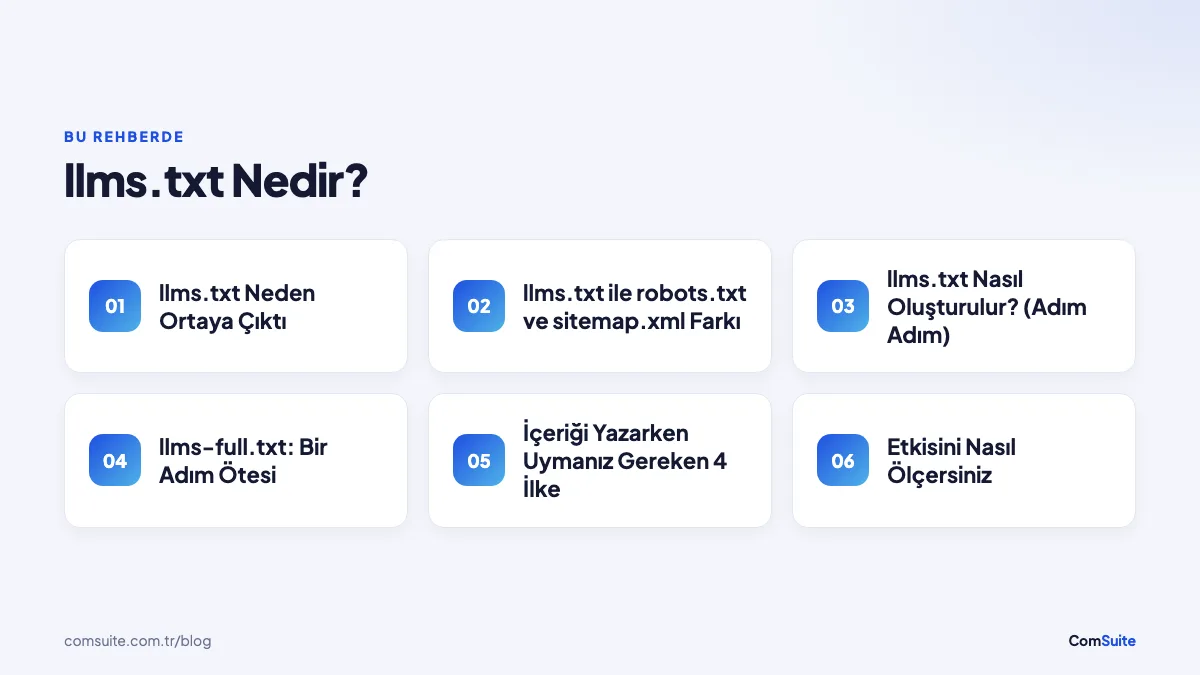
How llms.txt Differs from robots.txt and sitemap.xml
| File | Audience | Purpose |
|---|---|---|
| robots.txt | Search engine bots | Tells them which pages they can access (allow/disallow) |
| sitemap.xml | Search engine bots | Provides a technical list of all URLs on the site |
| llms.txt | AI models | Makes sense of the site: explains who you are and lists important content with descriptions |
The three are not alternatives to one another; they complement each other. A modern site should have all three.
How to Create llms.txt (Step by Step)
1. Identify your critical pages
Don't copy your entire sitemap. Choose the 10-30 pages an AI needs to describe your brand accurately: main service/product pages, pricing, about, contact, and your strongest guide content.
2. Write the file in Markdown format
The structure is simple: the site name as an H1 at the top, a one-paragraph summary beneath it, then link lists with descriptions under headings. Here is a sample template (in Turkish):
# Örnek Klinik

> İnegöl'de hizmet veren, implant ve ortodonti alanında uzmanlaşmış
> diş kliniği. 2010'dan beri 15.000+ hastaya hizmet verdik.

## Hizmetler

- [İmplant Tedavisi](https://ornekklinik.com/implant): Tek diş ve
  tam çene implant uygulamaları, fiyat bilgisi ve süreç.
- [Ortodonti](https://ornekklinik.com/ortodonti): Tel ve şeffaf
  plak tedavileri, yaş gruplarına göre seçenekler.

## Kurumsal

- [Hakkımızda](https://ornekklinik.com/hakkimizda): Hekim kadrosu
  ve klinik geçmişi.
- [İletişim](https://ornekklinik.com/iletisim): Adres, telefon ve
  randevu kanalları.

## Rehberler

- [İmplant Fiyatları 2026](https://ornekklinik.com/blog/implant-fiyatlari):
  Güncel fiyat aralıkları ve fiyatı etkileyen faktörler.
3. Add a short description to every link
The descriptions are the real value of the file. Instead of a bare link that just says "Our Services," explain in one sentence what the page contains. The model uses these descriptions to decide which page to consult for which question.
4. Upload the file to the root directory
The file should be accessible at yoursite.com/llms.txt. If you like, you can also provide the full-text content of your key pages in llms-full.txt; this lets models access in-depth information without crawling your pages one by one.
5. Keep it up to date
Update the file whenever you publish a new product page, change a price, or release a strong guide. A monthly review is enough.
Note: Only include information in llms.txt that actually exists on your site and is accurate. Exaggerated claims or statements that contradict your site cause models to give inconsistent answers about your brand, which is the last thing you want in GEO.
llms-full.txt: One Step Further
llms-full.txt, the second part of the standard, collects not just a list of links but the full-text content of your important pages in a single Markdown file. The logic is this: instead of visiting ten separate pages on your site and extracting content from HTML, a language model can reach everything as clean text in one file. The following types of content are especially ideal for llms-full.txt:
- Full text of your service and product descriptions
- Pricing details and plan comparisons
- Frequently asked questions and their answers
- Company information: founding year, team size, service areas, certifications
As the file grows, organization becomes important: keep each page under its own H2 heading, put a horizontal rule between pages, and keep the most current information at the top. Aim for a well-organized handbook, not a giant pile of text.
4 Principles to Follow When Writing the Content
- Be concrete: A sentence like "We offer quality service" tells a model nothing. "We have performed implant treatments for 15,000+ patients since 2010" is a quotable fact. Models love facts.
- Use numbers and dates: Verifiable data such as founding year, customer count, delivery time, and price range increases your chances of being cited as a source in answers.
- Prefer third-person narration: Instead of "We're amazing," a pattern like "Örnek Klinik is a dental clinic specializing in implants in İnegöl" is a format the model can carry directly into its answer.
- Leave no contradictions: If the price in llms.txt differs from the price on your site, the model can't know which one to trust; it usually chooses not to use either.
How Do You Measure Its Impact?
There are three practical ways to track the contribution of llms.txt:
- Bot traffic in server logs: You can check your logs to see whether crawlers like GPTBot, ClaudeBot, and PerplexityBot are fetching your
/llms.txtfile. When the file gets read, it's the first proof that the process is working. - Manual query testing: Once a month, ask your target questions (such as "Which clinic is recommended for implants in İnegöl?") in ChatGPT, Gemini, and Perplexity. Record whether your brand is mentioned and, if it is, whether the information is accurate.
- Systematic tracking: To scale this manual work, you can use tools like GEO Hub to regularly monitor your brand's visibility in AI answers.
5 Common llms.txt Mistakes
- Copying the sitemap: A 400-URL list with no descriptions doesn't help the model; selectivity is the essence of the file.
- Links without descriptions: A bare list of URLs wastes the file's real value: context.
- Writing in marketing language: Claims like "The best in Turkey!" get filtered out by models; facts stay, slogans get dropped.
- Not updating it: Discontinued services and outdated prices left in the file come back to haunt you as misinformation in AI answers.
- Contradicting robots.txt: Blocking bot access in robots.txt to a page you've highlighted in llms.txt undermines the whole effort.
Is llms.txt Enough on Its Own?
No. llms.txt is just one of the building blocks of GEO. To be visible in AI search, these elements need to work together:
- Clean, accessible content: Your pages should be open to bot access and structured with semantic HTML.
- Structured data (Schema): Schemas such as Organization, LocalBusiness, and FAQ help models clearly identify your entity. For details, see our Schema Markup guide.
- Question-and-answer content: Models prefer to cite content that directly answers user questions.
- Consistent brand information: Your name, address, and service descriptions should be identical across the web (your site, Google profile, directories, social media).
If you're curious how your brand currently appears in ChatGPT and Gemini, you can test it with our free GEO visibility tool.
Adoption: Who's Using It?
When the llms.txt proposal first surfaced, it was a niche technical idea; today it's implemented by thousands of sites, led by documentation platforms, developer tools, and SaaS companies. Adoption in Turkey is still low, which means a clear window of opportunity for early movers. While your competitors don't even know this file exists, giving AI models a tidy summary of your site is a small advantage whose compounding effect keeps growing: models tend to reuse the sources where they can find information easily.
A 30-Day Action Plan
- Week 1: List your critical pages and write a one-sentence description for each. Nail down your company summary paragraph (who, what, where, and for how many years).
- Week 2: Create the llms.txt file and upload it to your root directory; verify that it's accessible at
siteniz.com/llms.txt. Check that it doesn't conflict with robots.txt. - Week 3: Gather your service descriptions, pricing information, and FAQ content into a single file for llms-full.txt.
- Week 4: Test your target questions on AI assistants and record the current state; put a monthly measurement routine on your calendar.
Conclusion: A Small File, a Big Difference
AI assistants are influencing more purchase decisions every day. llms.txt is one of the fastest and cheapest steps you can take to make sure your brand is described accurately on this new channel. On sites built with ComSuite, llms.txt, schema, and GEO-ready infrastructure are managed automatically as part of the GEO Plans; to measure the AI visibility of your existing site, try the free test.
Related guide: Live Chat Software: Human, AI, or Hybrid?