
Schema markup (structured data) is a way of labeling your web page's content in a standard format that search engines and AI models can understand with certainty. You tell machines, in their own language, "This page belongs to a dental clinic, here's its address, these are its working hours, and these are the answers it gives to these questions." In return, you earn rich results on Google, such as star ratings, FAQ dropdowns and pricing info, and you help AI assistants recognize your brand correctly.
In this guide, we explain what schema is, which types suit which businesses, how to add it without knowing code, and the most common mistakes.
What Does Schema Markup Do?
When a person sees "Monday 09:00 - 18:00," they understand it's a business's working hours. For a machine, it's just a string of text. Schema removes that ambiguity: once you label the text with the openingHours property, the machine knows exactly what it means. The concrete benefits:
- Rich results: Extra information such as star ratings, prices, FAQ lists and event dates shows up in search results. Even if you rank in the same position, this helps you earn more clicks than your competitors.
- Clarity of meaning: Google knows your page's topic and your business's identity instead of guessing. This increases the likelihood of matching the right searches.
- GEO impact: Models like ChatGPT, Gemini and Perplexity rely heavily on structured data when identifying entities. A site with well-built schema has a better chance of being chosen as a source in AI answers. We covered this topic in full in our GEO guide.
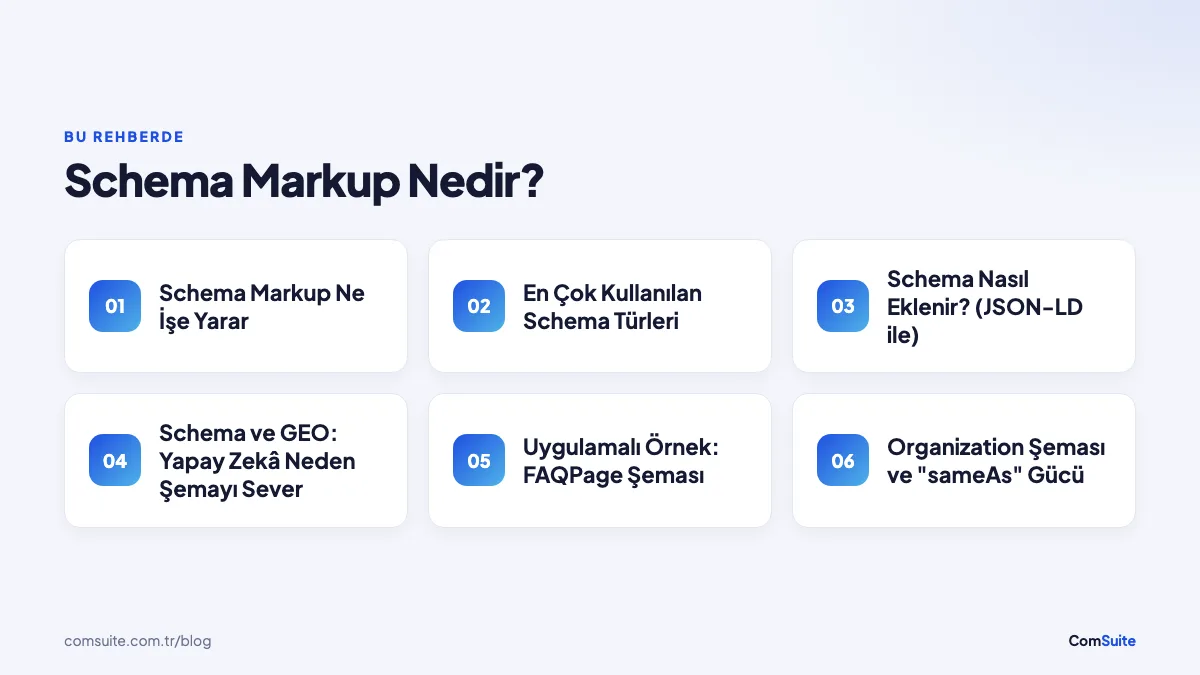
Most Commonly Used Schema Types
| Schema Type | Who Is It For? | What It Enables |
|---|---|---|
| Organization | All sites | Brand info, logo, social profiles |
| LocalBusiness | Physical businesses (clinics, restaurants, stores) | Address, hours, phone; map and local search matching |
| Article / BlogPosting | Blog and news content | Title, author, date; news and Discover visibility |
| FAQPage | Pages with an FAQ | Expandable question-and-answer list in search results |
| Product | Sites that sell products | Price, stock status, rating |
| Service | Service businesses | Service description, area served and provider relationship |
| BreadcrumbList | All sites | Readable navigation path in results instead of the URL |
| Review / AggregateRating | Pages that collect reviews | Star rating display |
How to Add Schema (with JSON-LD)
Google's recommended format is JSON-LD: a small block of code added to the <head> section of the page that doesn't affect the design at all. An example for a local business:
<script type="application/ld+json">
{
  "@context": "https://schema.org",
  "@type": "Dentist",
  "name": "Sample Dental Clinic",
  "image": "https://ornekklinik.com/klinik.jpg",
  "url": "https://ornekklinik.com",
  "telephone": "+90 224 000 00 00",
  "address": {
    "@type": "PostalAddress",
    "streetAddress": "Atatürk Cad. No:1",
    "addressLocality": "İnegöl",
    "addressRegion": "Bursa",
    "addressCountry": "TR"
  },
  "openingHours": "Mo-Fr 09:00-18:00",
  "priceRange": "₺₺"
}
</script>
Steps:
- Choose the schema that fits your page type (see the table above).
- Fill in the template with your own details. The information must match the visible content on the page exactly.
- Add the code to the page. In modern website builders this step is automatic; on sites built with ComSuite, Organization, LocalBusiness and Article schemas are generated by the system.
- Test it: Validate the page with Google's Rich Results Test and keep an eye on errors in Search Console.
The golden rule: Schema must reflect information that is actually visible on the page. Adding schema for review ratings or FAQs that don't appear on the page violates Google's structured data policy and risks a manual action (penalty).
Schema and GEO: Why AI Loves Schema
Language models try to work out from context whether "Sample Clinic" is a business, a person or just a generic phrase. Schema ends that ambiguity: the @type: Dentist label lets the model classify you as a distinct entity. Add consistent NAP information, llms.txt and question-and-answer-focused content on top, and you have the foundation AI assistants need to recommend your brand in the right context.
The FAQPage schema in particular does double duty in GEO: it earns you an expandable FAQ display on Google and gives models ready-made material in the format of "this site's clear answer to this question." Adding a real 3-5 question FAQ section to each of your key pages is one of the highest-return content moves you can make today.
Hands-On Example: FAQPage Schema
Since it's the schema type that delivers the fastest results, let's look at FAQPage as a separate example. Suppose you have a visible FAQ section on your page; the schema side looks like this:
<script type="application/ld+json">
{
  "@context": "https://schema.org",
  "@type": "FAQPage",
  "mainEntity": [{
    "@type": "Question",
    "name": "How many sessions does implant treatment take?",
    "acceptedAnswer": {
      "@type": "Answer",
      "text": "Standard implant treatment, including the healing
      process, is usually completed in 2-4 months and 3-4 sessions."
    }
  }]
}
</script>
One thing to watch: the questions and answers in the schema must match the text visible to users on the page exactly. Adding questions to the schema that aren't on the page is a policy violation.
Organization Schema and the Power of "sameAs"
The Organization schema on your homepage is your brand's digital ID card. Its least-used but most valuable property is sameAs: by listing your brand's other official profiles (Instagram, LinkedIn, YouTube, Google Business Profile), you tell machines, "these are all the same entity." This network of links makes it easier for Google to build a Knowledge Panel and helps AI models merge scattered information about your brand into a single entity — the very heart of the "entity" pillar of GEO. When you reinforce this web-wide consistency with your Google Business Profile and directory listings, your brand identity becomes clear to machines.
Schema Strategy by Page Type
| Page | Recommended Schema Set |
|---|---|
| Homepage | Organization (or LocalBusiness) + WebSite |
| Service pages | Service + FAQPage (if the page has an FAQ) + BreadcrumbList |
| Blog posts | Article/BlogPosting + FAQPage + BreadcrumbList |
| Product pages | Product (price, stock, rating) + BreadcrumbList |
| Contact page | LocalBusiness (address, hours, phone) |
| About page | Organization + Person for founders |
Once you've applied this table, the job is to maintain the same standard on every new page you add — which is why having your platform generate schema automatically is the healthiest solution in the long run.
How to Track Results
After adding schema, monitor its impact in three places: your schema types showing up error-free in Search Console's "Enhancements" section (technical validation), the change in click-through rate for pages with rich result appearances in the performance report (business impact), and testing your target queries in AI assistants to see whether your brand is described correctly (GEO impact). Rich results usually start appearing within a few weeks; be patient and keep everything error-free.
5 Common Schema Mistakes
- Data that contradicts the page: One phone number in the schema, a different one on the page. It erodes trust.
- Adding every schema to every page: Adding Product schema to a blog post creates confusion about meaning.
- Leaving required fields empty: Missing fields reduce your eligibility for rich results; Search Console will warn you.
- Fake rating/review schema: The most common cause of penalties.
- Adding it and forgetting it: You moved, your hours changed, but the schema stayed the same — and now machines treat the wrong information as correct.
The Situation in Turkey: Your Competitors Probably Aren't Using It
A significant share of corporate websites still have not a single line of structured data today; those that do usually have only an incomplete Organization schema automatically output by the theme. This means two things for you. First, standing out visually in search results with a properly implemented schema set (FAQ dropdowns, stars, breadcrumbs) is still an easily gained advantage in most industries. Second, when AI models look for reliable entity signals in Turkish-language content, their options are limited; a site with complete schema comes out ahead in source selection.
4-Week Implementation Plan
- Week 1: Add Organization (or LocalBusiness) schema with sameAs links to your homepage; run it through the Rich Results Test.
- Week 2: Add type-specific schema (Service, Article, Product) to your 5 highest-traffic pages.
- Week 3: Write genuine FAQ sections for key pages and mark them up with FAQPage schema.
- Week 4: Fix errors in Search Console; put your schema standard in writing for new pages (or move to an infrastructure that generates it automatically).
Conclusion: Speak the Language of Machines
The future of SEO lies in explaining your content with equal clarity to both people and machines. Schema markup is the standard language for that — and most of your competitors still aren't using it. You can check your site's schema status with the free SEO analysis tool, and explore the SEO Plans to move to a setup where schema and GEO infrastructure are managed automatically.