
Live chat software lets you talk with your website visitors in real time. That conversation can be handled by a human agent, an AI assistant, or both working together. The right choice depends on your response time goals, your need for after-hours coverage, and your team's workload. For most businesses, the most balanced results come from a hybrid model, where AI handles frequently asked questions and hands complex issues off to a human. That said, the other two models can make sense for very small teams or very high-volume ones.
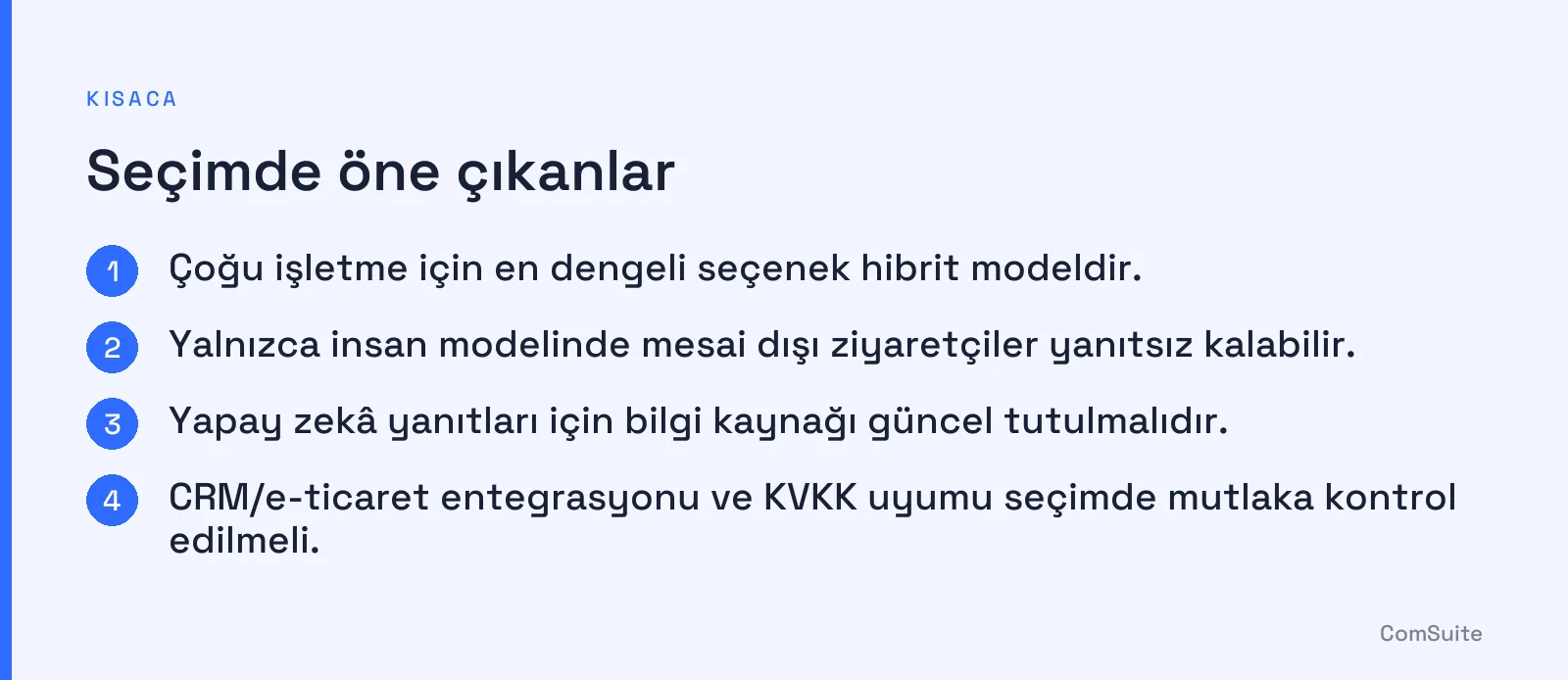
In this guide, we compare the three models honestly and without naming brands, and cover selection criteria, pricing logic, setup steps, and the metrics to track.
What is live chat software and what is it used for?
Live chat software is a customer service tool that enables instant communication between a visitor and a business through a website, mobile app, or messaging channels. Its core job is to answer a question while the visitor is still on the page, without making them wait for an email or a phone call.
The benefits for your business can be summarized as follows:
- Conversion support: Visitors who get stuck at checkout or on a form receive help right away.
- Customer satisfaction: Wait times drop, and recurring questions get resolved quickly.
- Data collection: You can see what customers ask about most, and use that insight to improve product pages and FAQ content.
- Operational efficiency: The burden of manually answering the same question over and over is reduced.
What is the difference between live chat and a chatbot?
In the classic sense, live chat is a conversation in which a human writes the replies. A chatbot, on the other hand, is software that responds automatically based on predefined flows or an AI model. Rule-based chatbots only follow the scenarios they were programmed with. AI-powered assistants, by contrast, can understand free-text questions and generate answers from a business's knowledge sources.
In practice, the difference is becoming increasingly blurred, because most modern tools offer both in the same dashboard. If you'd like to dig deeper into the automation side, check out our article on automating customer support with an AI chatbot for businesses.
How do human, AI, and hybrid models compare?
The table below compares the three models across three criteria. The values reflect general trends; actual results vary depending on your team, your traffic, and your configuration.
| Criterion | Human only | AI only | Hybrid |
|---|---|---|---|
| Response time | Fast during business hours when there's no queue; slower at peak times | Instant in most cases | Instant for common questions; depends on human speed for complex topics |
| After-hours coverage | None unless you set up shifts | 24/7 | 24/7 first response, handoff during business hours |
| Team workload | High; every question falls to an agent | Low; but incorrect answers require oversight | Medium; repetitive work gets automated |
| Complex/emotional topics | Strongest | Limited | Strong through human handoff |
| Setup effort | Low | Requires preparing a knowledge source | Highest (flows and handoff rules) |
| Best-fit profile | Low volume, high-touch service | High volume, standard questions | Most growing businesses |
When does a human-only model make sense?
If you receive only a few chats a day and your sales require consultation, a human-focused model may be enough. The downside is that visitors who arrive outside business hours go unanswered.
When does an AI-only model make sense?
If most of your questions are repetitive, such as shipping status, return policies, and business hours, AI works well. The risk is the chance of giving a wrong or incomplete answer, so you need to keep the knowledge source up to date and review conversations regularly.
Why is the hybrid model such a popular choice?
In a hybrid setup, AI handles the initial greeting and, when it doesn't know the answer or the topic is sensitive, hands the conversation to an agent along with its history. This delivers after-hours coverage and human quality together.
What are the most important features to look for when choosing live chat software?
The short answer to "What should live chat software look like?" is this: a tool that is easy to use, works with your existing systems, can grow with you, and protects your data. The core features are:
- Live chat: Real-time messaging, file sharing, canned responses, and visibility into visitor information.
- Chatbot / AI assistant: Answering common questions, plus rules for handing off to a human.
- Ticket management: Turning requests that arrive offline or progress via email into trackable records.
- Reporting: Dashboards showing response time, resolution rate, and peak hours.
- Mobile compatibility: On both the visitor widget and the agent side.
How to choose live chat software: integration, scalability, and security
How is live chat integrated with CRM and e-commerce systems?
Integration usually happens in one of three ways: the software's ready-made connectors (plugins), API/webhook connections, or a code snippet added to your site. The goal is to show the agent the customer's identity, order history, and previous requests during the chat, and to automatically save leads that come out of chats to your CRM. When choosing, be sure to ask whether there is official integration support for the e-commerce platform and CRM you use.
What does scalability mean?
It means being able to add new channels, languages, teams, and permission levels as your traffic and agent count grow. If you have a three-person team today, you may need to move to a structure split into departments tomorrow.
What should you look for in security?
- Data encryption (HTTPS/TLS in transit) and role-based access.
- Where data is stored and how long it is retained.
- The tools you need to meet your obligations under Turkey's data protection law (KVKK) and, if you have EU customers, GDPR. The software can help with this process, but as the data controller, responsibility for compliance rests with your business.
- Provider statements about information security standards such as ISO/IEC 27001; verify these with documentation from the provider.
How do live chat software pricing models work?
Prices vary by provider and change over time, so we don't list figures here; check current amounts on the providers' own pages. The common models are:
- Monthly fee per agent: Costs rise linearly as the team grows. Common in human-driven models.
- Usage-based (number of chats/resolutions): Often seen with AI assistants; if traffic fluctuates, so does your bill.
- Plans/tiers: Fixed plans based on feature set; reporting or integrations may be limited on lower plans.
- Free plan: Fine for getting started, but agent count, history retention, or customization is usually limited.
- Enterprise quote: Negotiated pricing for custom security, SLA, and integration needs.
When calculating total cost, consider not only the subscription fee but also setup effort, training time, and agent hours. Because AI reduces the agent time spent on repetitive questions, it can change the total cost balance.
What is the best live chat software for a small business?
There is no single "best" software; the right one fits your needs and team size. A general framework:
- Small businesses: Look for a free or low-tier plan with quick setup and an intuitive dashboard. If you're missing after-hours questions, an AI-powered assistant provides coverage without hiring additional staff.
- Enterprise companies: Role and permission management, detailed reporting, multi-team structure, security certifications, and CRM/ERP integration stand out; a hybrid model is usually the most natural choice here.
What are the setup process and implementation steps?
- Define your goal: sales support, customer service, or both?
- List the most frequently asked questions from the past 2-3 months.
- Choose your model (human, AI, or hybrid) and write the handoff rules.
- Prepare your knowledge base: FAQ, return and shipping policies, product information.
- Add the widget to your site; adapt the colors and welcome message to your brand voice.
- Connect your CRM and e-commerce integrations.
- Test on a limited number of pages first, review chat transcripts, then roll out more widely.
To help AI tools read your site correctly, it also helps to keep your content well organized. Our guide on what llms.txt is and how to create it can point you in the right direction.
Which metrics measure live chat performance?
Tracking performance with a few clear metrics shows whether your model is working:
- First response time: How quickly a visitor gets their first reply.
- Average resolution time: The time it takes for an issue to be closed.
- First contact resolution rate: The share of requests resolved in a single chat.
- Customer satisfaction (CSAT): The rating given after a chat.
- Handoff rate: The percentage of chats transferred from AI to a human; if it's very high, your knowledge base has gaps.
- Missed chats: Especially those left unanswered outside business hours.
- Chat conversion: Purchases or form submissions after a chat.
Common mistakes and how to avoid them
- Giving AI unlimited authority: Set clear handoff rules for pricing, returns, and legal topics.
- Not updating the knowledge base: Outdated campaign or policy information erodes trust.
- Hiding the human option: When visitors want to talk to an agent, they should be able to do so easily.
- Not tracking metrics: A team that doesn't review chat transcripts after setup misses opportunities to improve.
- Overly aggressive pop-ups: A chat box that forces itself open on every page ruins the experience.
- Leaving integration for last: Agents who can't access customer data have to ask the same questions again.
Conclusion and quick decision checklist
If response speed and after-hours coverage are your top priorities, AI or a hybrid model stands out; for high-touch, low-volume service, a human-led model may be enough. If you're also interested in AI visibility and how your site appears in AI search, our article on what GEO is is a helpful companion.
Before you decide, run through this checklist:
- What is my daily chat volume, and what share of it comes after business hours?
- How many of the questions are repetitive, standard topics?
- Does it integrate with my CRM and e-commerce system?
- Does it offer the settings needed for security and KVKK (Turkey's data protection law) compliance?
- Have I calculated the total cost (subscription + labor)?
- Have I defined which metrics I'll use to measure success?
For those who want to solve their website, CRM, and AI live support needs in one place, Istanbul-based ComSuite offers Replio AI, an AI-powered live support assistant; you can explore its features to see whether it fits your needs.
Frequently Asked Questions
What is live support software?
Live support software consists of tools that deliver real-time customer service through websites.
What are the advantages of human-powered live support software?
Human-powered software increases customer satisfaction by offering empathy and personal communication.
How does AI-powered live support software work?
AI-powered software delivers fast service by providing automated responses based on predefined data.
What is hybrid live support software?
Hybrid systems provide flexibility and efficiency by offering both human and AI-powered service.
Which live support software is the most effective?
Effectiveness depends on your business's needs; some prefer human support, while others prefer AI.
How does live support software affect customer satisfaction?
The right live support software increases customer satisfaction by providing fast and effective responses.