Building a website without writing code seemed like a pipe dream just a few years ago. Today, with the right tools, you can launch a professional-looking site in minutes without knowing any HTML or CSS. In this guide, we walk you through how to build a website from scratch, step by step, and what to watch out for along the way.
Why Build a Website Without Code?
With the traditional approach, you either had to pay an agency thousands of lira or spend weeks learning to do it yourself. Drag-and-drop website builders have completely changed that equation. Now:
- You save time: You go live in minutes, not weeks.
- Costs drop: You manage your own site without paying agency fees.
- You stay in control: Change the text, images, or colors whenever you want.
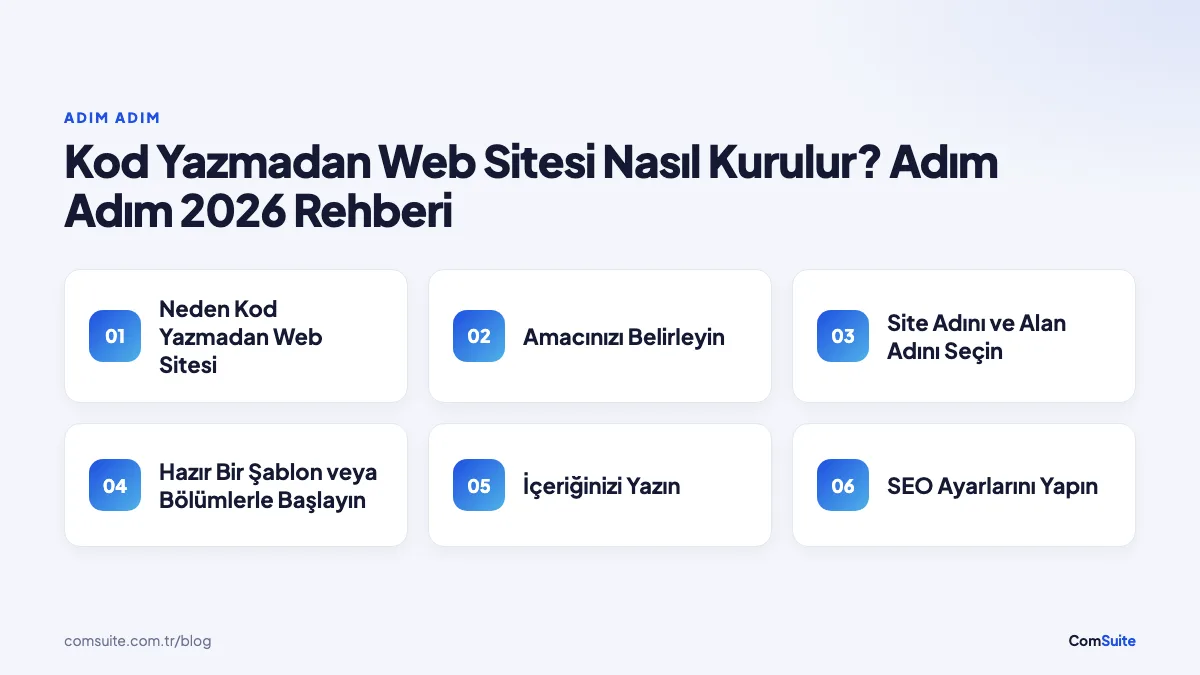
Step 1: Define Your Goal
Every successful site starts with a clear goal. Do you want a corporate site to introduce your company, a storefront to showcase your products, or a blog to publish content? Your goal determines which pages, sections, and content you'll need. For a small business, Home, About, Services/Products, and Contact pages are usually enough.
Step 2: Choose a Site Name and Domain
Your site name is your brand's face online. It should be short, memorable, and consistent with your brand. You can go live right away with a free subdomain, then connect your own domain (yourbrand.com) when you're ready. On modern platforms, this switch takes a single click, and the SSL certificate is generated automatically.
Step 3: Start with a Ready-Made Template or Sections
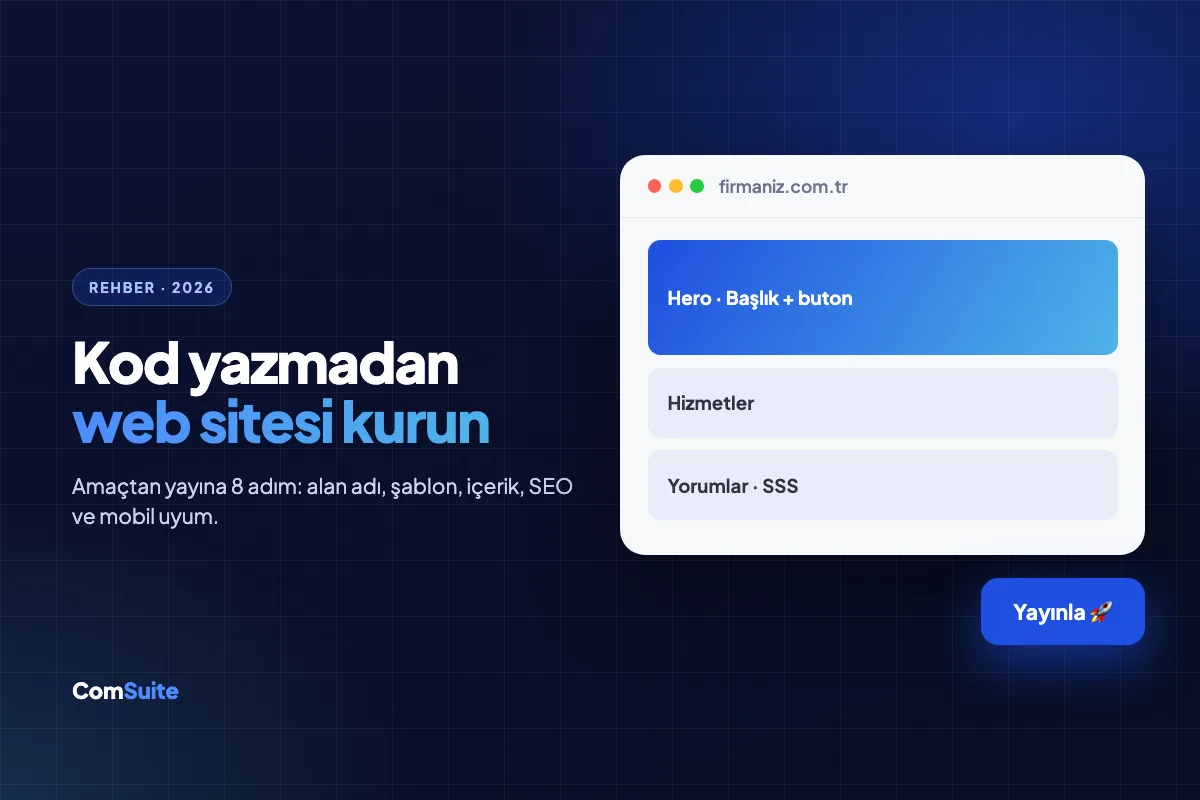
Instead of staring at a blank page wondering where to begin, it's far more efficient to start with ready-made sections. A good website builder offers sections like these:
- Hero (top area): The first thing visitors see, where you deliver your strongest message.
- Features / Services: Boxes that explain what you offer with icons and short descriptions.
- Testimonials / Reviews: Customer experiences that build trust.
- Contact and Call to Action (CTA): The section that prompts visitors to take action.
You arrange these sections with drag and drop, and customize their text and images to match your brand.
Step 4: Write Your Content
Content matters as much as design. When visitors land on your site, they want to know within seconds, "What does this offer me?" So:
- Write clear, benefit-driven headlines ("Delivered in 48 hours" instead of "Best service").
- Use short sentences and bullet points instead of long paragraphs.
- End every page with a call to action (CTA): "Get a quote," "Call now," "Try it free."
Step 5: Set Up Your SEO Settings
No matter how beautiful your site is, it won't attract visitors if people can't find it on Google. A good platform automates the core SEO settings: page titles, meta descriptions, an automatic sitemap, and search-engine-friendly URLs. Don't forget to write a unique title and description for every page.
Step 6: Check Mobile Compatibility
In Turkey, the vast majority of web traffic comes from mobile devices. Your site has to look flawless on a phone. Modern website builders automatically adapt the design to mobile screens, but it's still worth checking on your own phone before you publish.
Step 7: Publish and Measure
If everything is ready, go live. But the work doesn't end there. Connect tools like Google Analytics and Search Console to measure which pages attract interest and where your visitors come from. With this data, you can keep improving your site.
Common Mistakes
- Too many sections: Don't overwhelm visitors; build a clear flow.
- Weak visuals: Blurry or irrelevant images erode trust.
- Missing CTAs: If you don't tell visitors what to do, they won't do anything.
As you can see, building a professional website without code is now a goal anyone can reach. With the right tool, and no technical knowledge required, you can represent your brand powerfully online.
Frequently Asked Questions
Can I really build a website without knowing how to code?
Yes. With drag-and-drop website builders, you can publish a professional site in minutes by customizing ready-made sections, with no HTML or CSS knowledge required.
How long does it take to build a website?
With ready-made sections and templates, you can launch a simple business site in a few hours, or even in minutes. You can enrich the content over time.
Is building a website expensive?
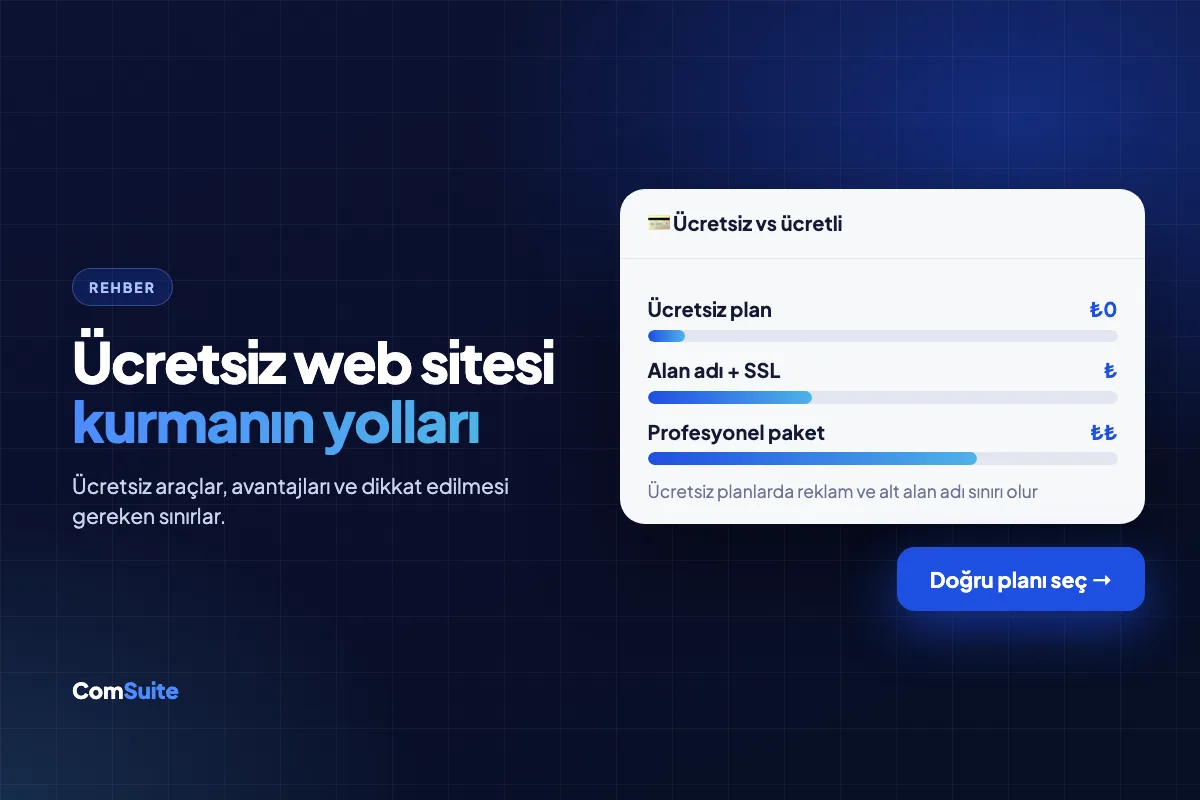
Modern website builders offer far more affordable monthly or annual plans compared to the thousands of lira agencies charge. You can even test things out with a free subdomain.
Will my site look good on mobile phones?
Yes. Modern platforms automatically adapt the design to mobile screens. Still, we recommend checking it on your own phone before you publish.
Can I connect my own domain (yourbrand.com)?
Yes. You can start with a free subdomain and connect your own domain with a single click when you're ready; the SSL certificate is generated automatically.
Can I edit the content myself after the site is built?
Absolutely. You can edit text, images, colors, and sections from the dashboard whenever you like and publish changes instantly, with no need for technical support.
Ready to get started? With ComSuite, you can build a professional, SEO- and AI-friendly website in minutes without writing any code. Create your free account and go live today.