Benefits of Building a Free Website
Building a free website is one of the most practical ways for individuals and small businesses to step into the digital world. You can create your own website without paying any upfront cost, promote your products or services, and even start producing content by launching a blog. Today, many platforms offer ready-made templates and drag-and-drop tools that let you build professional-looking sites without any coding knowledge.
Why Choose a Free Website?
The biggest advantage of building a free website is that you can establish a digital presence without taking on any financial risk. Especially if you are launching a new venture or want to create a personal portfolio site, it makes perfect sense to explore free options before committing to the cost of a paid service. In addition, free platforms usually offer quick setup, so you can get your site live within a few minutes.
- Zero cost: You can bring your own website to life without paying for hosting or a domain name.
- Fast setup: Thanks to ready-made templates, you can build your site in no time and publish it right away.
- A chance to try before you buy: You can test the platform before upgrading to a paid plan and see whether it fits your needs.
- Technical support: Major platforms offer broad community support and comprehensive help centers.
- Gentle learning curve: You can manage your site and update your content even without any coding knowledge.
How to Build a Free Website, Step by Step
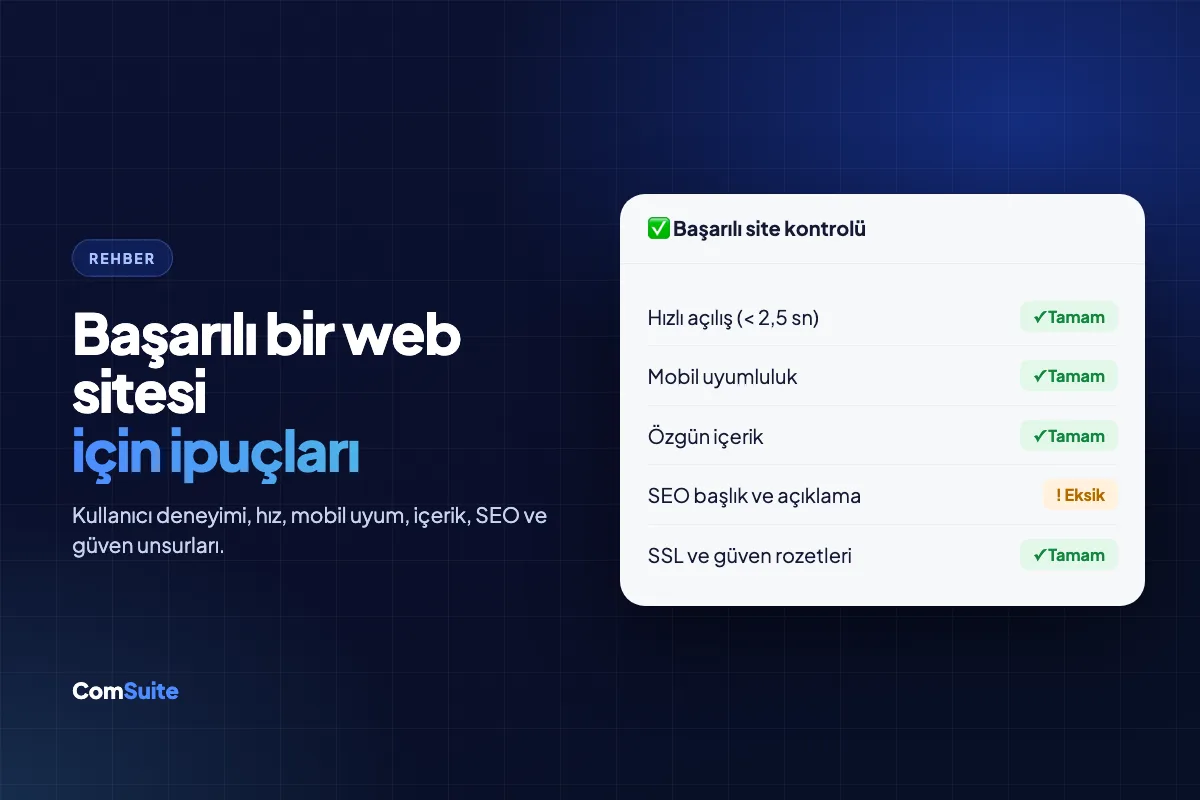
Building a free website is much easier than you might think. The first step is to define the purpose of your site: do you want to create a personal blog, a portfolio, or a small business website? Once your goal is clear, choose the right platform, apply the template you like, and start adding your content. Following these steps in order helps you get your site live faster and in a more organized way.
Which Platforms Should You Choose?
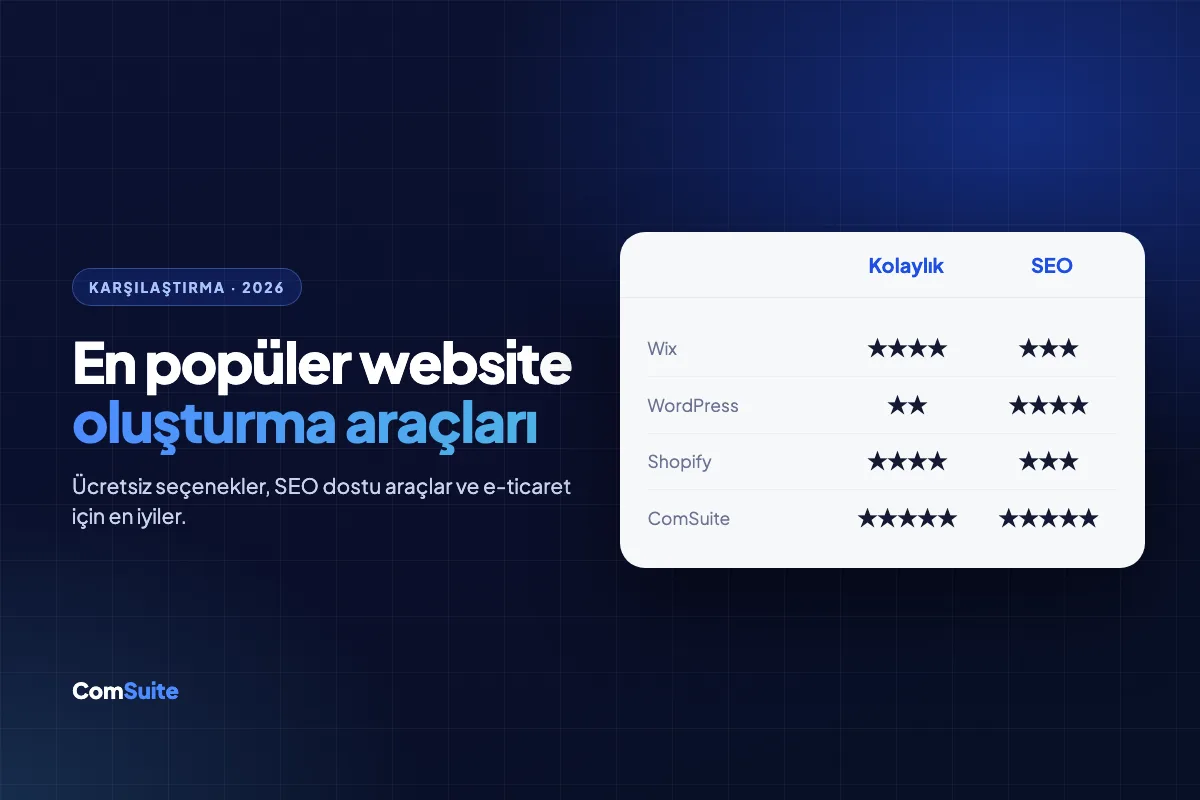
Among the most popular platforms for building a free website are WordPress.com, Wix, Weebly, and Google Sites. Each has its own advantages. Making the right choice saves you both time and effort in the long run:
- WordPress.com: Ideal for blog-focused projects. It offers a wide range of themes and plugins, but custom domain use is limited on the free plan. It provides a strong foundation for anyone who wants to focus on content creation.
- Wix: Extremely user-friendly thanks to its drag-and-drop editor. You can choose from hundreds of ready-made templates and customize your site without any coding knowledge.
- Comsuite: A platform that stands out with AI assistance, an advanced management panel, and a clean interface. It focuses on the website, SEO, and GEO needs of small and medium-sized businesses, offering advanced free tools to help businesses show up in search engines and AI search results.
- Google Sites: A good option for business use thanks to its integration with Google tools. It's completely free, requires no coding, and works seamlessly with apps like Google Drive and Docs.
- Carrd: An excellent free tool for anyone who wants to create a simple, fast, one-page website. It's especially popular for personal landing pages.
When choosing a platform, it's important to keep your site's long-term goals in mind. If you plan to move to a paid plan down the road, it's a smarter investment to pick a platform with plenty of upgrade options. We also recommend adding Turkish-language support to your selection criteria.
Design and Customization Tips
To make your site look professional, you need to pay close attention to your design choices. Although ready-made templates make things easier, a few simple customizations can give your site a unique identity. You don't need to know how to code to get a custom design; the visual editing tools platforms offer are more than enough in most cases:
- Color palette: Use no more than three main colors that match your brand identity. A consistent color scheme gives your site a professional look.
- Font selection: Choose clean, highly readable fonts. You can use different but complementary typefaces for headings and body text.
- Image quality: Use high-resolution images; you can find quality visuals on free stock photo sites like Unsplash or Pexels.
- Mobile responsiveness: Make sure your template looks great on mobile devices too. Most internet traffic now comes from smartphones.
- Navigation: Keep your menu simple and clear so visitors can easily find their way around your site.
- White space: Avoid cramming your pages with too much content; white space lets your design breathe and improves readability.
What to Keep in Mind When Building a Free Website
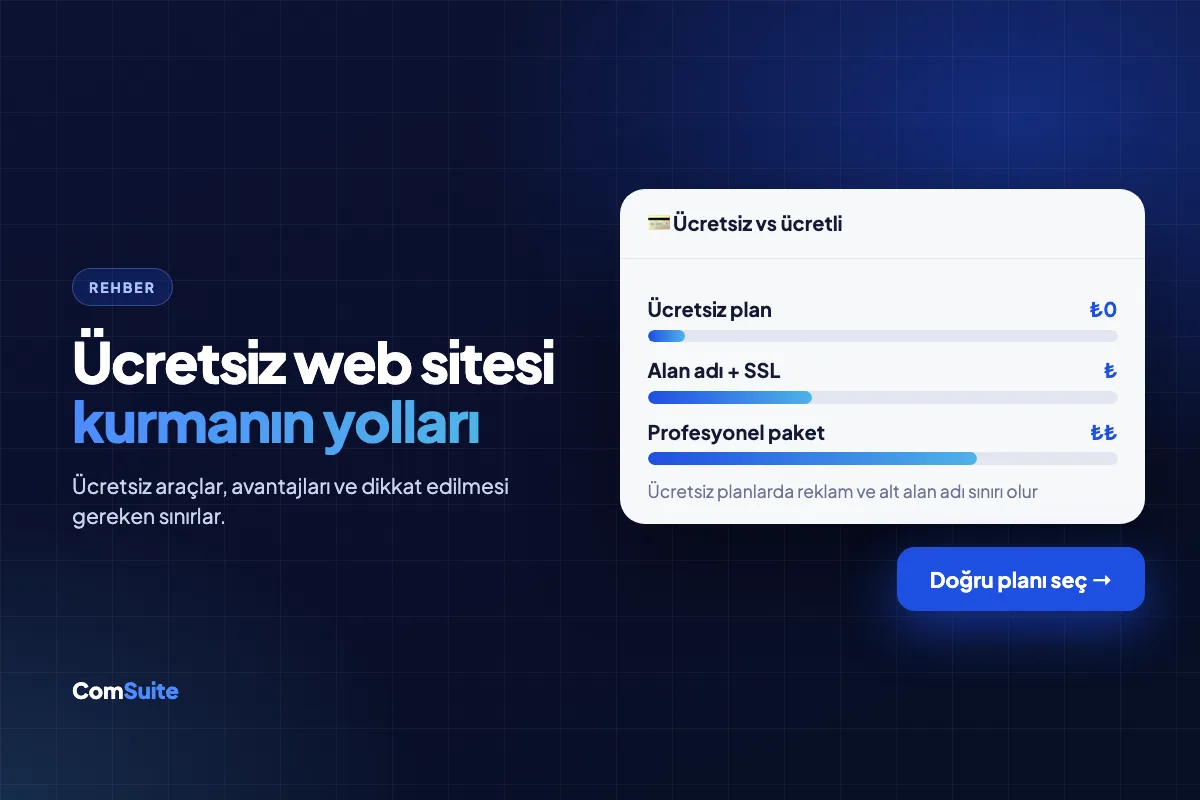
Building a free website comes with some limitations. Free plans typically use subdomains that carry the platform's branding (for example, yoursite.wix.com). Storage, bandwidth, and custom design options may also be restricted. Knowing these limitations in advance will help you avoid frustration down the road. As your site grows and your visitor numbers climb, upgrading to a paid plan may become unavoidable, so make sure the platform you choose can scale with you.
Do You Need to Know How to Code?
No. Today you don't need any coding knowledge to build a free website. Platforms like Wix, Weebly, and Google Sites work entirely through visual interfaces. With their drag-and-drop editors, you can add, rearrange, and delete any element on your page. If you want to customize your site further, though, a basic knowledge of HTML and CSS can come in handy. On platforms like WordPress, you can activate many advanced features through plugins without writing any code. In short, creating a professional, functional website without coding is now something anyone can do.
How Can You Improve Speed and Performance?
Fast page loading is critical for both user experience and SEO. Google treats page speed as one of its ranking factors. Since server resources on free platforms can be limited, you can improve performance with the following steps:
- Compress your images before uploading them; use free tools like TinyPNG or Squoosh.
- Don't overload your pages with plugins or widgets; every extra component adds to load time.
- Avoid unnecessary animations and heavy video files; upload your videos to an external platform like YouTube and embed them on your site.
- Keep your site active by updating your content regularly.
- Turn on the caching options your platform offers.
Free Tools and Resources
Plenty of tools are available to help you build a free website. They cover a wide range of needs, from design and SEO to content creation and performance analysis. Using the right tools can put your site a step ahead of the competition.
The Best Free Website Builders
The platforms below are among the best options for anyone who wants to build a free website. Each offers features for different needs, so choose the one that best fits your goals:
- WordPress.com: Offers a powerful foundation for blogs and content-focused sites. With its large theme library and plugin support, it gives you plenty of room to customize.
- Wix: Stands out for its design freedom and ease of use. Pick from hundreds of ready-made templates and get your site live in minutes.
- Weebly: A good choice if you're looking for simple e-commerce features. Its clean interface is easy to use even for people with no technical background.
- Google Sites: Ideal for business or educational use. It integrates fully with the Google ecosystem and is completely free.
- Carrd: A great tool for building simple, fast, single-page sites. Especially recommended for personal profiles or landing pages.
Free Tools for SEO
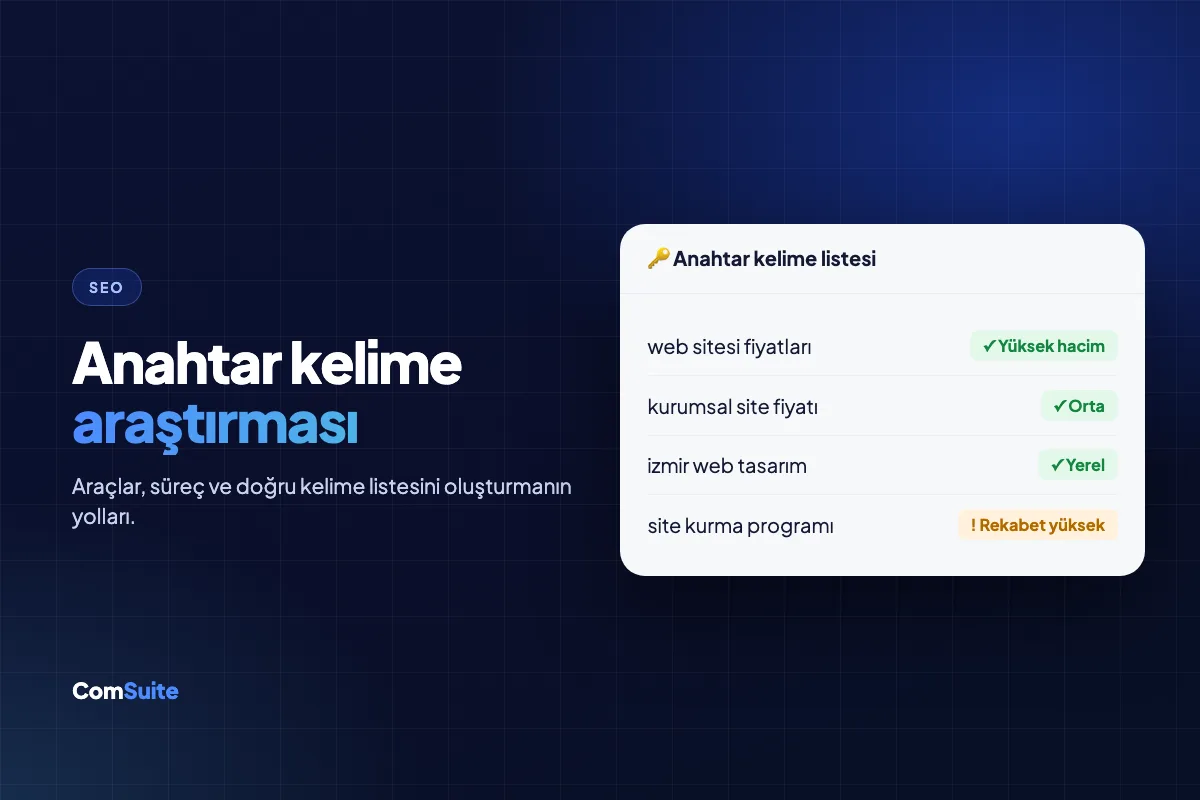
With the right SEO strategy, free websites can rank well on Google. You can use the following free tools to bring organic traffic to your site:
- Google Search Console: Lets you track your site's performance on Google, spot indexing errors, and analyze search queries.
- Google Analytics: An indispensable tool for analyzing visitor behavior, traffic sources, and conversion rates.
- Ubersuggest: A handy free option for keyword research and competitor analysis.
- Yoast SEO (for WordPress): Helps you optimize your content for SEO by evaluating factors like readability and keyword density.
- Google PageSpeed Insights: A free analysis tool you can use to identify your site's speed and performance issues.
In some respects, the SEO potential of free websites may be limited compared to paid alternatives. Not being able to use a custom domain, in particular, can hurt your brand credibility and search engine rankings. That's why we recommend investing in a custom domain as your site grows. A custom domain is usually very low-cost per year