What Is a Website?
A website is a digital structure made up of interlinked web pages tied to a domain name on the internet. In short: a website is an online address that people reach through their browser, hosting text, images, video, and interactive elements. It can serve many purposes, from a personal blog or corporate portfolio to an online store or knowledge base.
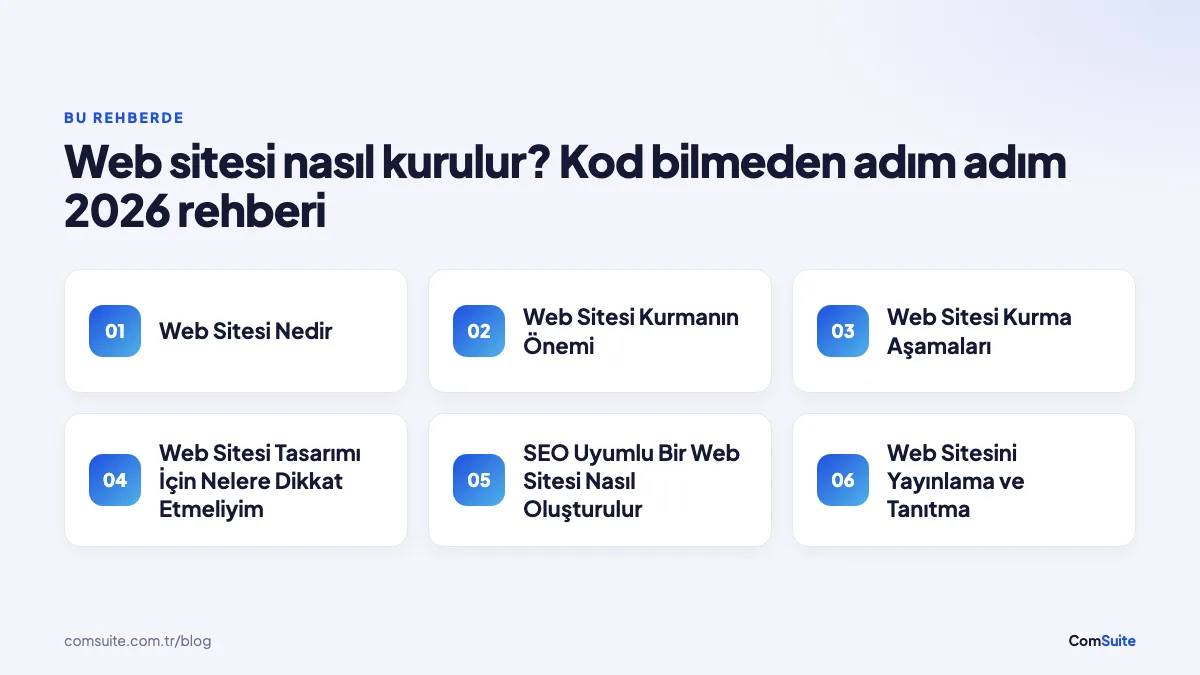
Why Building a Website Matters
Today, having a website is the cornerstone of a digital identity for individuals and businesses alike. According to Google data, the vast majority of consumers research online before buying a product or service. Without a website, it's nearly impossible to show up during that research process.
- It gives you a storefront that's open 24/7.
- It boosts brand credibility.
- It provides a direct line of communication with customers or readers.
- Unlike social media, you have full control over your site.
Setting Your Goals
Defining a clear goal before you build a website makes every step that follows easier. Ask yourself: Who will visit your site? Will you be blogging, selling products, or showcasing your portfolio? Pinning down your audience and purpose directly shapes your design, content, and technical decisions.
How Do You Choose a Domain Name?
Your domain name is your site's address on the internet (for example, yourbrand.com). Keep these criteria in mind when choosing a good domain name:
- Keep it short and memorable: Long domain names are hard to remember.
- Make it reflect your brand: Choose a name that fits your site's content.
- Pay attention to the extension: .com is the most common choice for global recognition; for a site aimed at Turkey, .com.tr is also a strong alternative.
- Avoid special characters and numbers: They lead to typos.
You can register your domain for an annual fee through GoDaddy, Namecheap, or Turkey-based registrars.
Website Building Steps
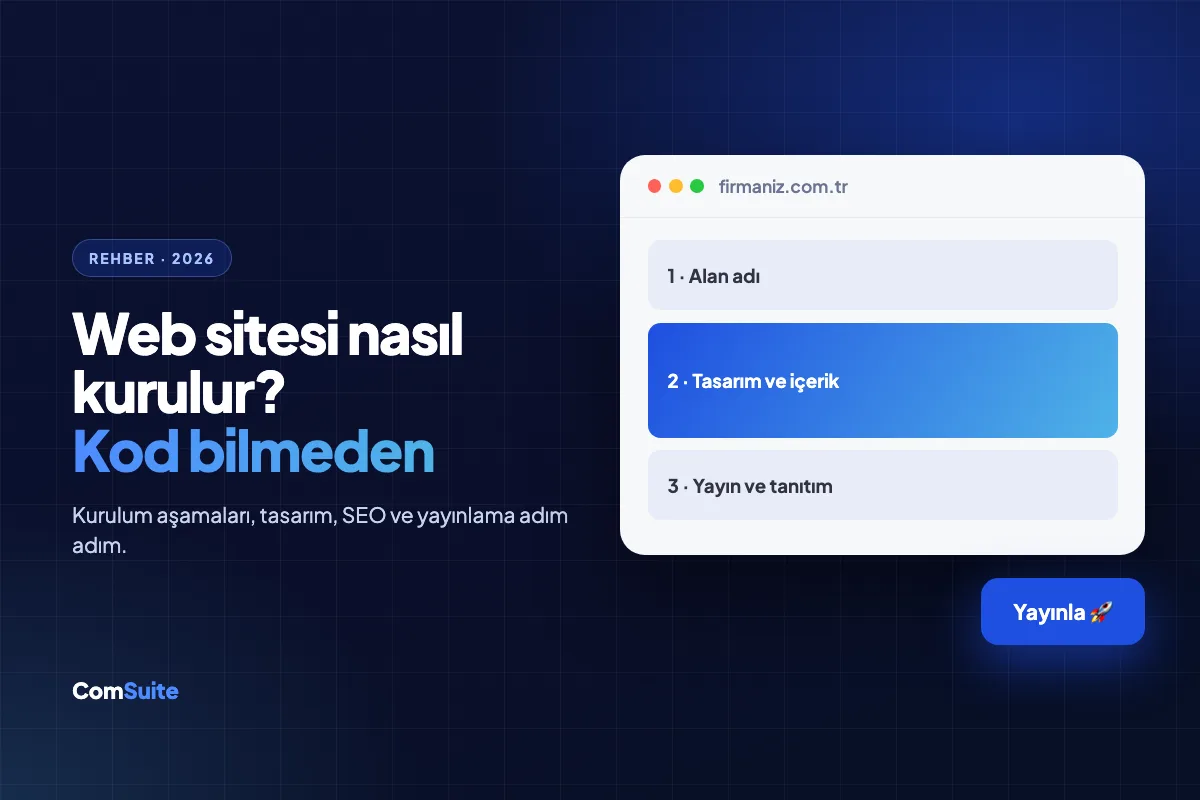
The basic steps to build a website can be summarized in this order: set goals → choose a domain → buy hosting → install a CMS → design → add content → configure SEO → launch.
Which Hosting Service Should I Choose?
Hosting (web hosting) is the server service where your site's files are stored. For most beginners, shared hosting is enough; it's affordable at just a few dollars a month. For high-traffic sites, VPS or cloud hosting may be a better fit.
| Hosting Type | Best For | Estimated Cost |
|---|---|---|
| Shared Hosting | Blogs, personal sites, small businesses | ~$1–10 per month |
| VPS Hosting | Mid-sized sites, e-commerce | ~$10–50 per month |
| Cloud Hosting | High-traffic, scalable sites | Varies with usage |
| Managed WordPress Hosting | WordPress sites | ~$15–30 per month |
International providers like Hostinger, Bluehost, and SiteGround are popular choices, while in Turkey local companies such as Turhost and Natro are widely used.
Choosing a Content Management System (CMS)
For anyone who wants to build a website without coding, the most important tool is a content management system (CMS). A CMS lets you create pages, add content, and manage your site without technical know-how.
- WordPress: The most popular CMS, powering roughly 43% of all websites worldwide (W3Techs, 2024). It works well for blogs, corporate sites, and e-commerce.
- Wix / Squarespace: Their drag-and-drop interfaces offer a much faster start, though customization options are more limited than WordPress.
- Shopify: A strong option for projects focused purely on e-commerce.
What Should I Consider in Website Design?
Good web design keeps visitors on your site longer and gets them to take the action you want. Design isn't just about aesthetics — it's about functionality, too.
User Experience (UX) Design
User experience (UX) describes how easily and enjoyably visitors can navigate your site. UX research firms such as the Nielsen Norman Group have found that users spend only a few seconds, on average, deciding whether a page's content is worth their time. That's why:
- The navigation menu should be simple and clear.
- Key information should sit at the top of the page.
- Fonts and color palette should be consistent.
- Page load time should stay under 3 seconds.
Mobile-Friendly Design
Since 2019, Google has applied a "mobile-first indexing" policy. This means the mobile version of your site directly affects your search rankings. To make sure your site displays correctly on every screen size, choose responsive design templates. Most modern themes on WordPress and other popular CMS platforms already include this feature.
How Do You Build an SEO-Friendly Website?
SEO (search engine optimization) is the set of practices that helps your site rank higher on Google and other search engines. It covers many factors, from technical infrastructure to content.
- Titles and meta descriptions: Write a unique, keyword-rich title and description for every page.
- URL structure: Use short, readable URLs that include keywords (for example, /web-sitesi-nasil-kurulur).
- Image optimization: Reduce image file sizes and fill in alt tags.
- Internal links: Create meaningful links between the different pages of your site.
- SSL certificate: HTTPS is essential for both security and SEO; most hosting providers offer it for free.
- Google Search Console: Add your site to this free tool to monitor its indexing status.
Launching and Promoting Your Website
Before you go live, test every page, form, and link. After launch, these methods are effective for promoting your site:
- Google Business Profile: Gives local businesses visibility on Google.
- Social media posts: One of the fastest ways to drive traffic to your site.
- Email newsletter: Keeps existing customers and followers informed about new content.
- Link building: Earning links from other trusted sites increases your SEO authority.
- Content marketing: Regular blog posts are the most sustainable way to attract organic search traffic.
Building a website may look like a technical process, but with the right tools you can easily complete these steps without writing code. What matters is moving through each stage with a plan
Frequently Asked Questions
How do you build a website?
To build a website, you first need to buy a domain name and a hosting service. Then you can choose a content management system (CMS), design your site, and add your content.
Can I build a website without coding?
Yes, you can build a website without coding. User-friendly platforms with drag-and-drop features let you create a site with no technical knowledge required.
Which platforms can I use to build a website?
Platforms such as WordPress, Wix, Squarespace, and Shopify are popular options that help you build a website without coding.
How much should I budget to build a website?
The cost of building a website varies depending on the platform you choose and the design features you need. On average, a budget of 100-500 TL per year may be enough.
How should I design my website?
Your website's design should suit your target audience and goals. Put user experience first and opt for a clean, easy-to-understand design.
How should I create content for my website?
When creating content for your website, write high-quality, original content that engages your target audience and increases your visibility in search engines.