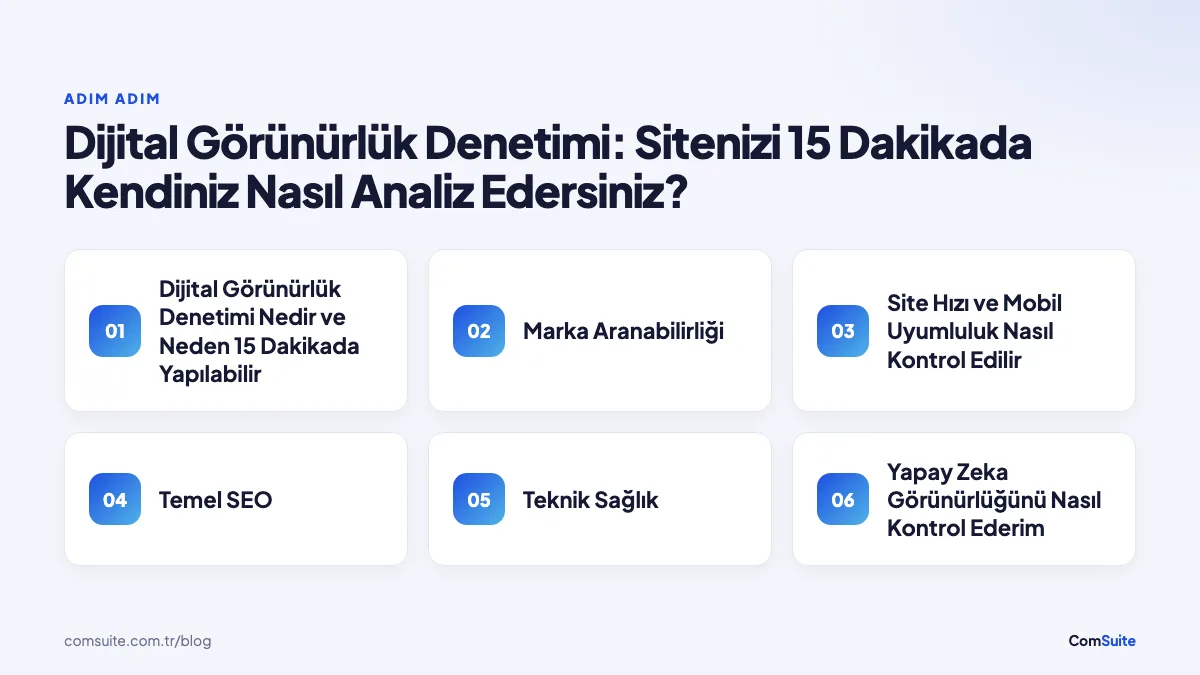
What Is a Digital Visibility Audit, and Why Can You Do It in 15 Minutes?
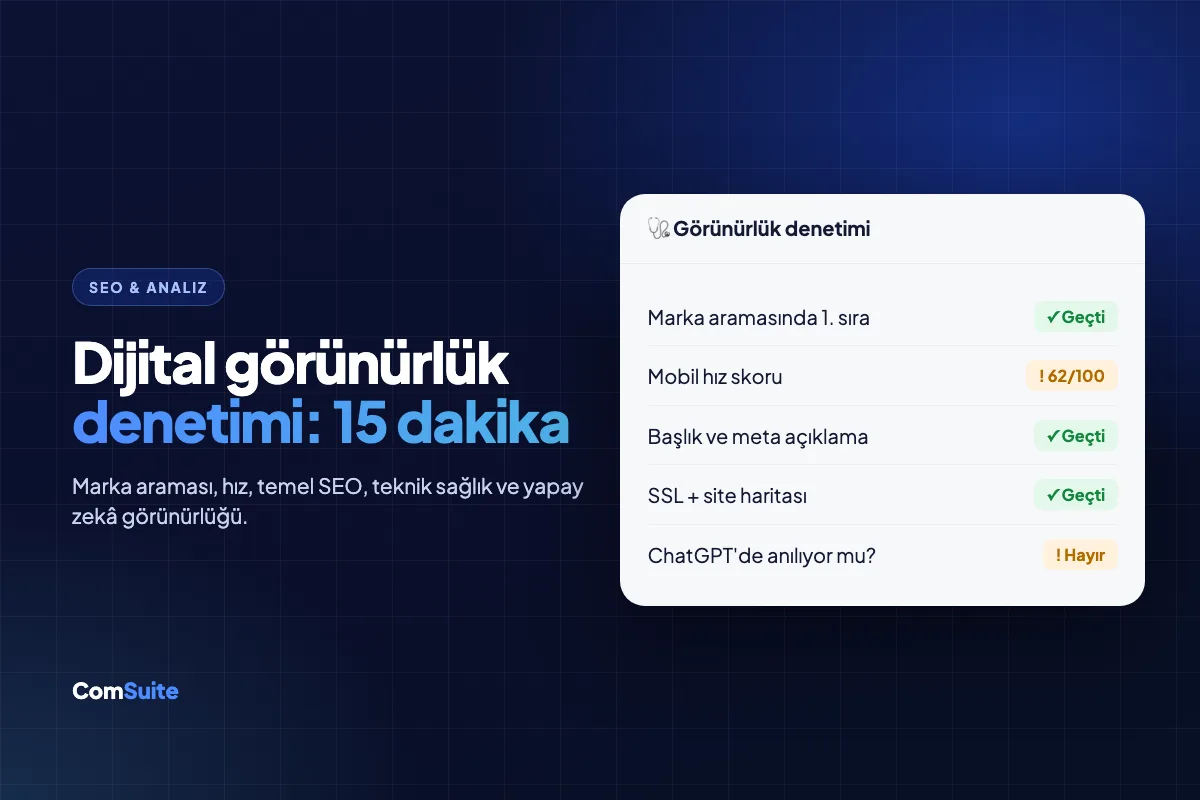
A digital visibility audit is a systematic review of how easily a website can be discovered on search engines, AI tools, and social platforms. Think of it as a structured checklist that evaluates your site's technical health, content quality, and brand searchability within a single framework.
A comprehensive SEO audit can take weeks, but most core problems cluster around a handful of critical points. According to experts, a large share of lost visibility comes from issues you can spot quickly: slow load times, missing meta descriptions, broken links, and poor mobile usability. That's why the six-step checklist below gives you a clear starting point without the need for an in-depth analysis.
Step 1: Brand Searchability — Google Yourself
The first step is the simplest, yet the one most often skipped: open an incognito window and search for your brand name on Google. Incognito mode keeps your personalized search history from skewing the results.
Look for answers to these questions:
- Does your site show up on the first page, or are competitors outranking you?
- Is there a Knowledge Panel on the right side of Google's results?
- Are sitelinks showing?
- Are the title and meta description in the search result accurate and up to date?
Next, try combinations like "brand name + city" and "brand name + complaints." These searches reveal your local SEO standing and online reputation in just a few minutes. If your brand searchability is weak, check the click-through rate (CTR) for your branded queries in the "Performance" report in Google Search Console; a low CTR usually points to an unappealing title or a missing meta description.
Step 2: How Do You Check Site Speed and Mobile Usability?
Since 2021, Google has used Core Web Vitals as a direct ranking factor. That makes site speed and mobile usability the two undisputed priorities of technical SEO.
You can measure both in two minutes with free tools:
- Google PageSpeed Insights: Reports LCP (Largest Contentful Paint), CLS (Cumulative Layout Shift), and INP (Interaction to Next Paint) for both mobile and desktop. Aim for an LCP under 2.5 seconds.
- Google's Mobile-Friendly Test: Paste in your URL to find out whether the page displays properly on mobile devices, whether tap targets are large enough, and whether the text is readable.
With mobile accounting for roughly 60% of global web traffic, poor mobile usability isn't just a technical issue — it means losing visitors, plain and simple. If your score is below 50, put this step at the top of your priority list.
Step 3: SEO Basics — Title, Meta Description, H1, and Content
Open your page's source code (Ctrl+U, or right-click and choose "View Page Source"), or use the free version of Screaming Frog SEO Spider. Here are the four core elements to check:
| Element | Ideal State | Common Problem |
|---|---|---|
| Title Tag | 50–60 characters, includes the keyword | Missing, too long, or duplicated |
| Meta Description | 120–155 characters, includes a call to action | Left blank or auto-generated |
| H1 Tag | Only one per page, aligned with the keyword | Multiple H1s or none at all |
| Content Length and Quality | Fully answers the user's question | Thin content, keyword stuffing |
The "Coverage" report in Google Search Console lists pages that aren't indexed. If important pages are left out of the index, the cause is usually a stray noindex tag or a faulty robots.txt rule. Check both during your audit.
Step 4: Technical Health — SSL, Sitemap, and Broken Links
This part of the technical SEO audit shows whether search engines are crawling your site correctly. Run these three checks in order:
- SSL Certificate: Is there a padlock icon in the address bar? A URL starting with https:// is a must for both visitor security and Google rankings. If there's no padlock or you see a "Not Secure" warning, treat it as urgent.
- XML Sitemap: Go to yoursite.com/sitemap.xml. If the file loads and covers your key pages, you're fine; if it doesn't exist, submit a sitemap through Google Search Console.
- Broken Links (404 Errors): List the URLs returning 404 errors in the "Coverage" section of Google Search Console. Free broken link checker tools can also do this in minutes. Every broken link hurts both the user experience and your crawl budget.
Also confirm that the www and non-www versions of your site redirect to the same URL (301 redirect). If both versions load, you may have a duplicate content problem.
Step 5: How Do I Check My AI Visibility?
AI visibility (GEO — Generative Engine Optimization) refers to whether a brand appears in the answers of generative AI tools like ChatGPT, Google Gemini, and Perplexity. It's a new and fast-growing dimension of the classic SEO audit.
To check, type these questions into ChatGPT and Gemini:
- "What is the best [product/service] for [your industry]?"
- "Who provides [your service] in [your city]?"
- "What do you know about [your brand name]?"
If your brand never comes up in the answers, there are a few likely reasons: you don't have enough content that earns citations, you don't have a Wikipedia or Wikidata page, or authoritative publications in your industry don't mention your brand. AI models rely heavily on trusted, frequently cited sources, which is why a GEO strategy is directly tied to digital PR and content authority.
To appear in Google's AI Overviews, it's critical that your content fits the "featured snippet" format — in other words, short, structured paragraphs that answer the question directly.
Step 6: Social Proof, Reviews, and Local Visibility
Local SEO is the deciding factor in visibility for businesses with a physical location or a defined service area. In this step, check the following:
- Google Business Profile: Have you claimed your profile? Are your address, phone number, and business hours correct? Are your photos current?
- Review count and rating: How many Google reviews do you have, and what's your average rating? Research shows that businesses ranking near the top of local search results typically have a rating of 4.0 or higher.
- NAP Consistency: Your business Name, Address, and Phone number must match exactly across your website, Google, and other directories (Yandex, Yelp, Foursquare, etc.). Inconsistencies hurt your local rankings.
- Social media presence: Active social media accounts aren't a direct ranking factor, but they boost brand searchability and credibility.
How Do You Interpret and Prioritize Your Audit Results?
By the end of the six steps, you'll have a list of issues. Instead of trying to fix everything at once, rank them by impact. The framework below makes prioritizing easier:
| Priority | Issue Type | Example |
|---|---|---|
| Urgent (This Week) | Issues that block site access or indexing | SSL error, noindex tag, site outage |
| High (This Month) | Issues that directly affect traffic and conversions | Low PageSpeed score, missing meta descriptions, broken links |
| Medium (Next Quarter) | Issues that affect long-term visibility | Thin content, no GEO presence, local NAP inconsistencies |
| Low (Planned Improvements) | Optimization opportunities | Targeting additional keywords, review-generation campaign |
Manual Audit or Automated Tool — Which Is Better?
They complement each other. Automated tools like Semrush, Ahrefs, or Sitebulb crawl hundreds of pages and flag technical issues you might miss, but you still have to interpret the context. A manual audit, on the other hand, covers areas the tools can't fully measure yet, such as brand searchability and AI visibility. For a quick 15-minute audit, the manual method is enough; if you need a deeper site analysis, start for free with Google Search Console and move to paid tools as needed.
How Often Should You Run an Audit?
It's best to repeat your digital visibility audit at least once every three months. Google algorithm updates (such as the Core Updates released several times a year), competitor moves, or changes to your own site can quietly shift your visibility. Keeping a regular eye on Google Search Console is the most practical way to catch major issues early.
The bottom line: a digital visibility audit doesn't require deep expertise. With the right checklist, you can see where your site really stands in 15 minutes, spot urgent issues, and prioritize your improvements based on data.
The 15-Minute Digital Visibility Checklist
✅ Check them off yourself — about 1–2 minutes per item
1. Brand Searchability
☐ Search your brand name on Google — are you the top result?
☐ Do you show up when searching your brand name + city?
☐ Does your Google Business Profile (map listing) appear?
2. Site Speed & Mobile
☐ Does your page load in under 3 seconds? (PageSpeed Insights)
☐ Does it look right on mobile, with readable buttons and text?
☐ Are your images optimized (WebP, small file size)?
3. SEO Basics
☐ Does every page have a unique title tag?
☐ Are your meta descriptions filled in and compelling?
☐ Does every page have a single H1 heading?
4. Technical Health
☐ Does your site load over HTTPS (SSL padlock icon)?
☐ Do you have a sitemap (sitemap.xml), and has it been submitted to Google?
☐ Do you have any broken links (404s) or broken images?
5. Content & Keywords
☐ Are your services/products described in clear copy?
☐ Do you have blog or guide content (and is it current)?
☐ Do your target keywords appear naturally in your content?
6. AI Visibility
☐ Ask ChatGPT/Gemini about your brand — do they know you?
☐ Is the answer accurate, or are you described incompletely or incorrectly?
☐ Do you have an FAQ section and structured data?
7. Social Proof & Local
☐ Are your Google/Trustpilot reviews recent and positive?
☐ Are your social media accounts linked to your website?
☐ Is your contact info (address, phone) consistent everywhere?
Your score:
17–21 checks: Strong 👍 · 10–16: Average, room to improve · 0–9: Needs urgent attention
A Manual Audit Is a Great Start — Go Further with Automation and AI
This checklist gives you a rough picture of where your site stands. But measuring your brand's presence in AI search (ChatGPT, Gemini, Perplexity) by hand is tough — and that's where the future of search is headed.
Automatically measure how your brand performs in AI search in just 1 minute — see which engines know you and how they describe you.
Frequently Asked Questions
What is a digital visibility audit?
A digital visibility audit is the process of analyzing a website's online presence and performance.
How can I analyze my site's digital visibility?
To analyze your site, you can use SEO tools, check your keyword rankings, and evaluate your social media engagement.
How do you run a digital visibility audit in 15 minutes?
To audit your site in 15 minutes, use a fast SEO tool to check your keyword rankings, backlinks, and site speed.
Which tools are recommended for a digital visibility audit?
Tools like Google Analytics, Semrush, and Ahrefs are effective options for a digital visibility audit.
How can I improve my digital visibility audit results?
To improve your results, revisit your content strategy, optimize for SEO, and increase your social media engagement.