Owning your own domain (for example, yourbrand.com) takes your brand's professionalism to the next level. Starting out with a free subdomain is perfectly fine, but once you're ready to grow, connecting your own domain pays off in trust and memorability. In this guide, we walk you through the process in plain language, without burying you in technical jargon.
What Is a Domain?
A domain is your site's address on the internet. People reach your site by typing this address into their browser. A good domain should be short, memorable, and aligned with your brand. In Turkey, ".com" and ".com.tr" are the most popular extensions.
What Is DNS, and Why Does It Matter?
DNS (the Domain Name System) is like the internet's phone book. When someone types in your domain, DNS translates that name into your server's IP address and sends them to the right site. In other words, for your domain to display your website, you need to set up the correct routing in your DNS settings.
Connecting Your Domain Step by Step
1. Buy Your Domain
Purchase your domain from a registrar. The registrar records you as the domain's owner.
2. Access Your Nameserver / DNS Management
Log in to the panel where you can manage your domain's DNS records. The key point here is that your domain's nameservers must point to the DNS provider where you're editing the records. Otherwise, the records you add won't take effect.
3. Add an A Record
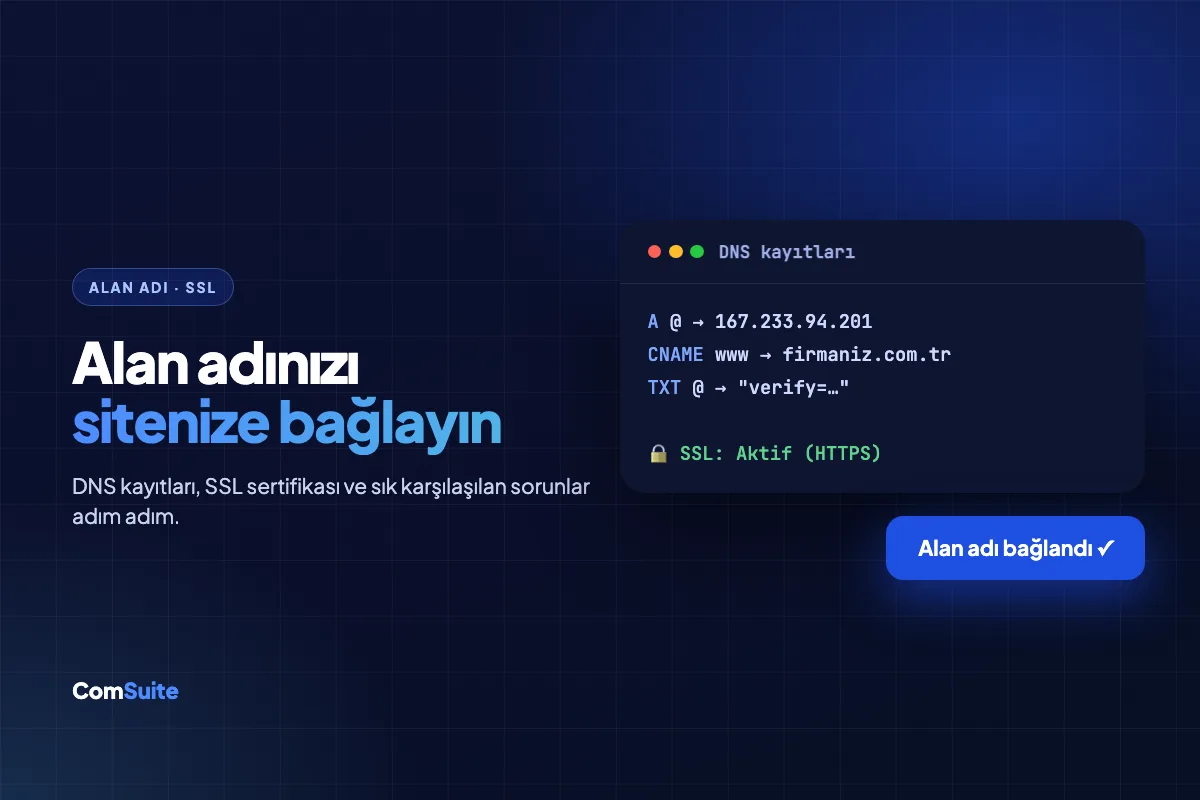
Create an A record in your DNS panel. This record points your domain to the IP address of the server hosting your website:
- Type: A
- Name: @ (or your domain)
- Value: The IP address provided by your platform
You'll usually add a second A record for "www" as well, so both yourbrand.com and www.yourbrand.com work.
4. Wait for DNS Propagation
DNS changes don't take effect instantly. It can take anywhere from a few minutes to a few hours for them to propagate worldwide. Be patient — this is completely normal.
5. Verify and Wait for SSL
Once DNS has propagated, complete the "Verify" step on your platform. Modern platforms generate an SSL certificate automatically the moment your domain is verified. SSL makes your site's address start with "https://" and displays a padlock icon in the browser.
Why Is an SSL Certificate a Must?
SSL encrypts the data flowing between your visitors and your site. It's critical not only for security but also for trust:
- Browsers flag sites without SSL as "Not secure," which scares visitors away.
- Google gives sites with SSL a slight ranking boost.
- Trust is essential for contact forms and payment redirects.
Common Issues
- Missing/incorrect nameservers: The DNS panel where you enter your records must be the one your domain is delegated to.
- Not waiting for propagation: Changes don't show up right away; give it some time.
- Forgetting www: You need records for both the apex domain (yourbrand.com) and www.
Conclusion
Connecting a domain may look technical at first glance, but it really comes down to a few clear steps. Entering the right A record and waiting for DNS to propagate is usually all it takes; modern platforms handle the rest automatically. With your own domain, your brand gains a much stronger, more professional presence online.
Frequently Asked Questions
What is a domain?
A domain is your site's address on the internet (for example, yourbrand.com). People reach your site by typing this address into their browser. It should be short, memorable, and aligned with your brand.
What is DNS, and why does it matter?
DNS (the Domain Name System) is like the internet's phone book. When someone types in your domain, DNS translates that name into your server's IP address. Your DNS settings must be correct for your domain to display your site.
How do I add an A record?
In your DNS panel, create a record with type "A," name "@" (or your domain), and the IP address provided by your platform as the value. A second A record is usually added for "www" as well.
How long does it take for DNS changes to take effect?
DNS changes don't take effect instantly. Propagating worldwide can take anywhere from a few minutes to a few hours. This is completely normal; you just need to be patient.
Why is an SSL certificate a must?
SSL encrypts the data flowing between visitors and your site. Browsers flag sites without SSL as "Not secure," and Google favors sites with SSL. Modern platforms generate SSL certificates automatically.
Do I need technical knowledge to connect a domain?
No. Entering the right A record and waiting for DNS to propagate is usually all it takes. Modern platforms handle the rest (including SSL generation) automatically.
Ready to get started? With ComSuite, you can build a professional, SEO- and AI-ready website in minutes — no coding required. Create your free account and go live today.